



Introduction
ACC Online Services provides a web interface to information contained in Datatel Colleague, ACC's administrative database. ACC Employees will be able to use ACC Online Services to view their position summary, leave plan summary, w2's, paycheck stubs and advice forms.

This online tutorial will walk you through the following options:
- Logging In
- Position Summary
- Leave Plan Summary
- Adjunct Faculty/Supplemental Pay/Full-Time Overload
- Calendar Year History
- Paycheck Stubs/Advice Forms
- Position/Salary
- Adjunct Faculty Benefits
- Getting Help
For questions concerning leave benefits and pay information, consult the ACC Employee Handbook at http://www.austincc.edu/hr/handbook2/
Logging In to ACC Online Services
Go to the ACC main page: http://www.austincc.edu. In the middle right of the page, under eServices, select Online Services.

This takes you to the login screen for ACC Online Services.
You may also select "Online Services LOGIN page" in the left-hand navigation bar to access the login page.
Click Log In to begin. If you have not logged in before using your ACCeID you may want to Click for ACCeID activation or password change, which is located in the lower right-hand corner of the screen.
Please login to Online Services with your ACCeID and password.
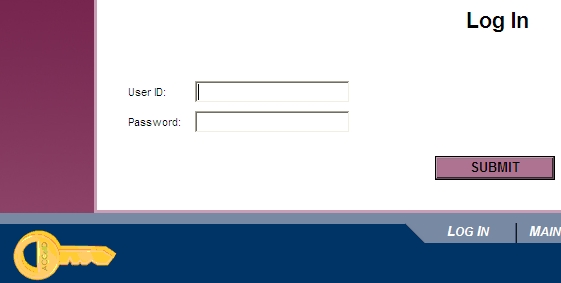
Use the ACCeID Help if you are having difficulty logging in.
Warning: Only one session of a Datatel screen can be accessed at a time. If you attempt to access the same screen using both Datatel UI and the Web-based system, you will be locked out. If this happens, close one of your sessions and try again.
Note: If you get a Page Expired error while using ACC Online Services, simply hit Refresh or Reload in your browser to get back to the screen you were in.